Identify the product before evaluating it
The supplied boxshot identifies Folder Lock; it is not independent proof of suitability or compliance.
Evaluate Folder Lock as one local-storage layer
Official documentation describes encrypted lockers and selected cloud-locker workflows. That may fit a local retained-copy need, but it does not authorize a submission channel, create procurement compliance, guarantee recovery or replace identity and access management.
This screen belongs beside the fit decision because it illustrates selecting bid folders for a locker. Verify the current release and never assume selection proves the folder is the approved final package.
A local-government contractor wants an encrypted retained copy of final bid packages on a Windows workstation. Folder Lock may be tested for that narrow function while the bid remains subject to the municipality’s portal, deadline, records and security requirements.
Run a verifiable bid workflow
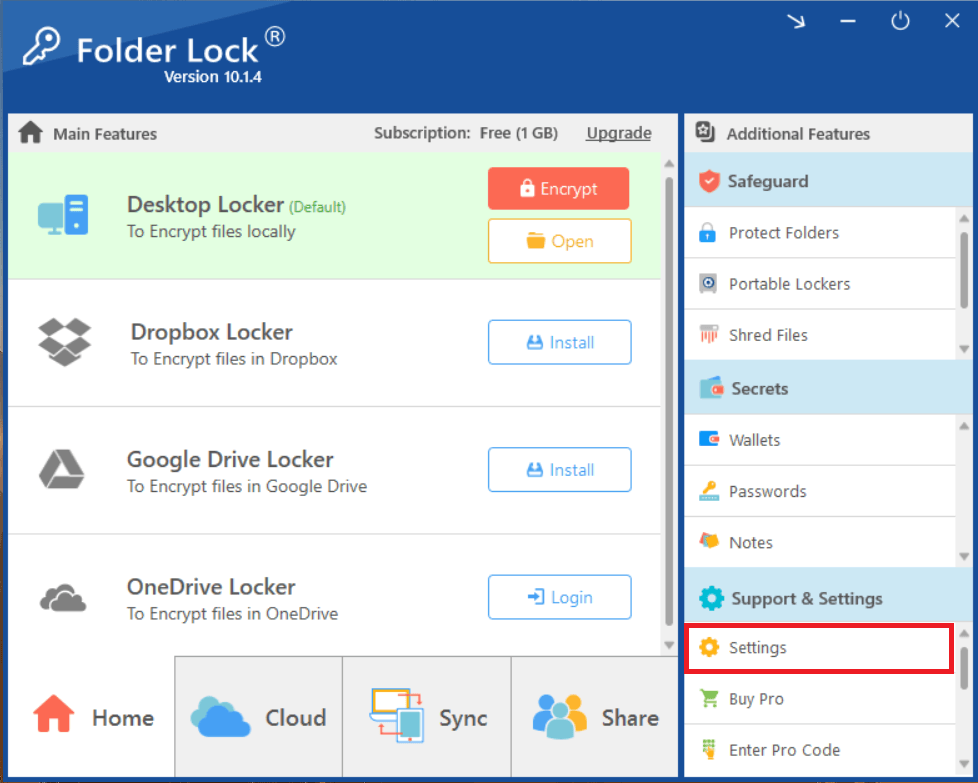
Access settings belong beside the procedure: record the tested configuration and custodians without treating a shared password as authorization.
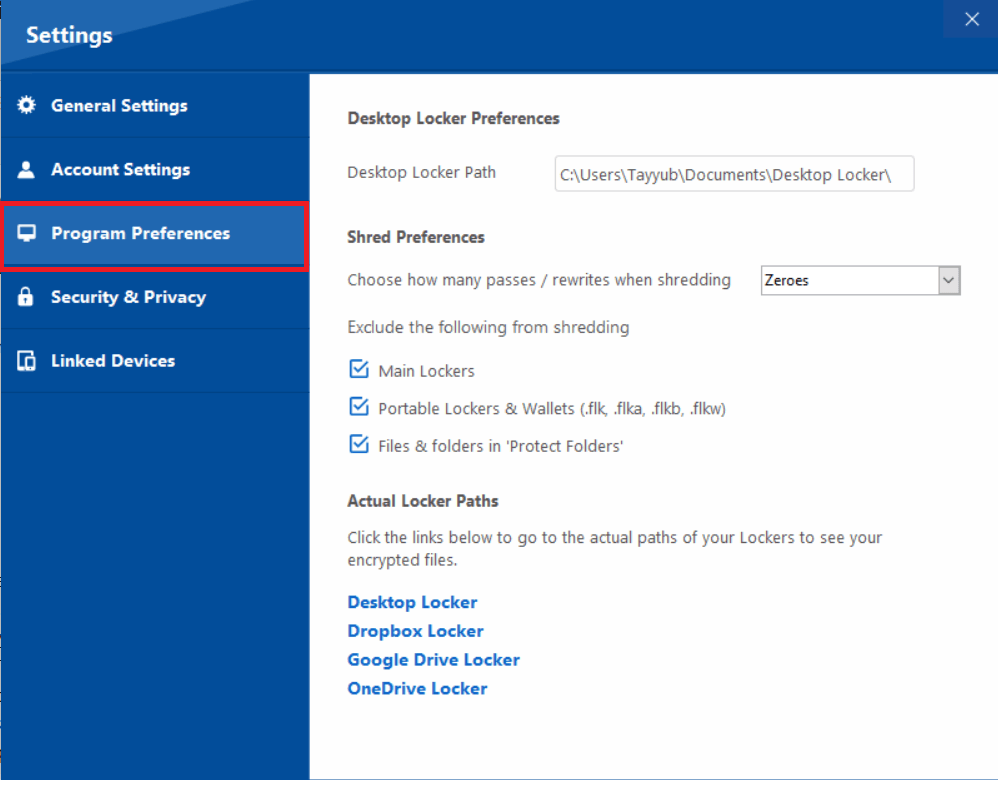
Preferences can vary by version and device. Capture the actual installed settings in the decision record.
- 01Review current official features, platform support and licensing.
- 02Test a non-sensitive bid-shaped folder through create, lock, unlock, export and recovery steps.
- 03Record the exact version, device, locker path, settings and authorized custodians.
- 04Verify an independent backup and restore path before relying on the locker.
- 05Compare the result with organization-managed storage, access control and archival requirements.
Leave a record another reviewer can follow
The adoption note should state the tested version, platform, file types, locker location, access configuration, restore result, pricing-check date, exclusions, support owner and exit plan.
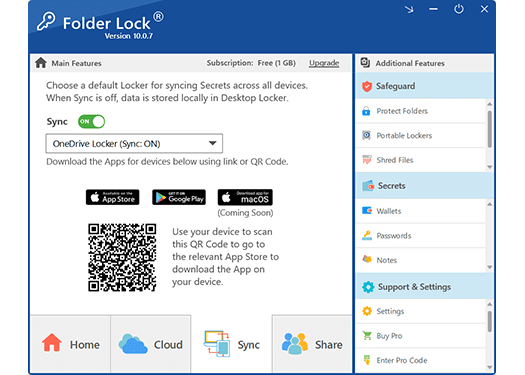
A cloud-sync screen illustrates a product workflow, not a verified backup. Test version history, separation, recovery and provider permissions.
Pause and review when
- The product password is used as the only approval or recipient control.
- The team expects the locker to submit, timestamp or validate the bid.
- No supported recovery or migration plan exists.
Protection does not replace procurement authority
Does not replace provider permissions, guaranteed backup, password recovery or enterprise identity management. The solicitation, municipality, contract and approved organizational controls determine the actual process.
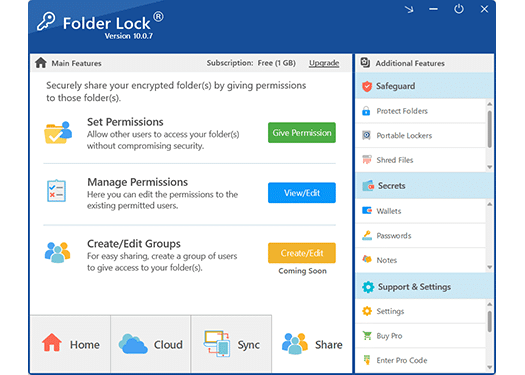
A product sharing screen does not override the municipality’s authorized channel, recipient or deadline. Use it only where the solicitation and organizational controls permit.
Resolve these before acting
Is Folder Lock recommended for every contractor?
No. It is a conditional option for a tested local-file need; managed organizational systems may be more appropriate.
Do the official links imply endorsement?
No. They identify current vendor documentation for an independent evaluation.
Sources for this decision
- NewSoftwares: Folder Lock features
- NewSoftwares: encrypt files with Folder Lock
- NIST SP 800-171 Rev. 3: protecting CUI in nonfederal systems
Links support the question on this page and do not imply endorsement. The issuing authority, solicitation, contract, policy, law and qualified advice control the actual bid.